
To launch the Matcher application on the Pocket Matcher, the user must perform the following steps:
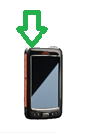
| • Press the silver button on the top of the device • The screen will illuminate after 2-3 seconds and the device will boot up |
 |
| • Check the device is connected to the WIFI – if it is connected, the green circular authentication symbol will cycle then turn green • Check the WIFI signal strength -if the device has a good WIFI signal, the strength bars will turn green |
 |
| • Press the ‘Windows’ button from the bottom left corner of the device screen |  |
| • Click the Matcher icon | 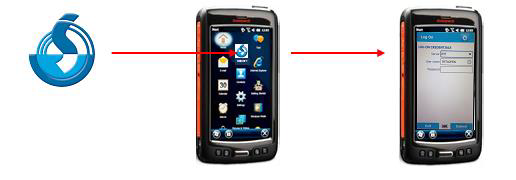 |
• Ensure the Source box is blue before you log on – this shows that you are connected to the Matcher database. If this is not the case, contact your Matcher administrator.
• Enter your username and password and click Submit.
Comments
0 comments
Article is closed for comments.