
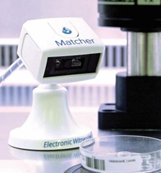
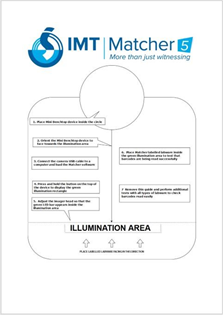
- Position the imager using the Mini Benchtop Matcher Positioning Guide.
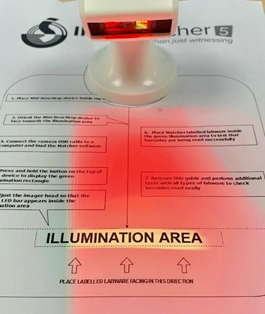
- Either click on the ‘Witness’ or ‘Scan’ buttons within the Matcher application or press and hold down the button on the head of the device to activate the scan function.
- Present the barcode item into the scan area facing the device so that it is illuminated by the green aimer.
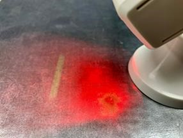
- The device will either beep to confirm the barcode scan, or if the sound is turned off, the onscreen information will change to display the result of the scan.
Comments
0 comments
Article is closed for comments.