
To upgrade a pocket Matcher to version 4.6.
Make sure that the handheld has a connection to the handheld. If the circle in the bottom right hand corner of the handheld screen is green then you are connected. If the circle is yellow or white please contact your IT department or the Matcher support team.

On handheld select the windows button.

And then click on "Power Tools"
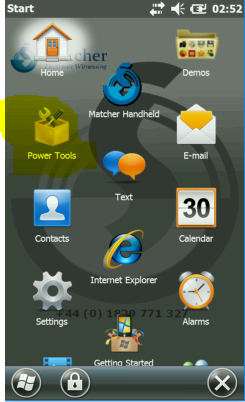
Then select "ScanWedge"
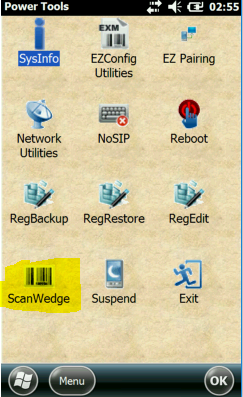
It will say "initalizing" then close. Then click on "OK" and hit windows button again to bring up menu items and select "Internet Explorer"
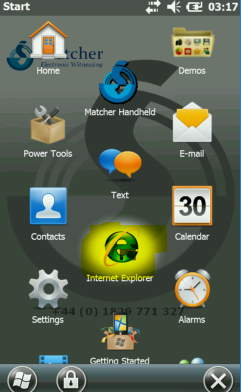
Then in Internet-explorer highlight taskbar.
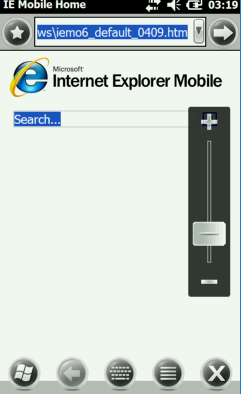
Scan the below barcode until you here a beep.

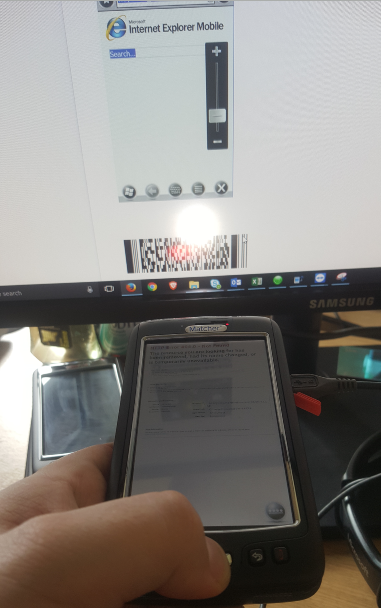
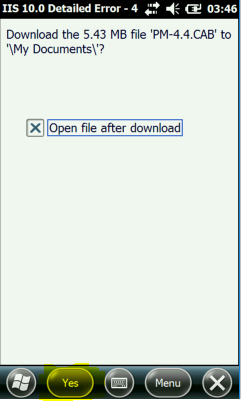
Then a screen will appear asking you to download file click on "Yes" for this.
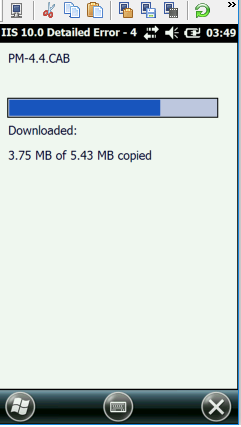
Then will download
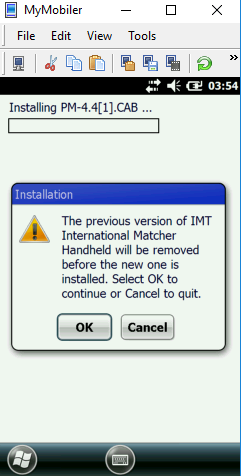
At next screen click "ok" to install over previous version.
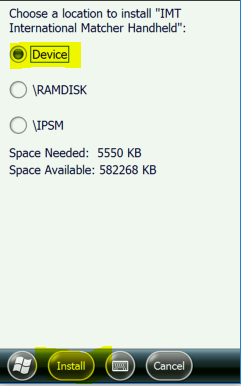
Then make sure "Device" is selected and click on "Install".
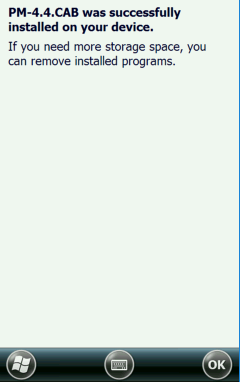
Then click "OK"
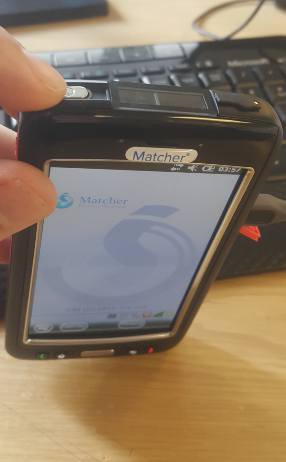
Then on top left hand corner of handheld press and hold the silver button on top left hand left corner.
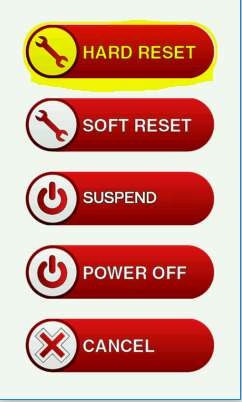
Then select "Hard Reset" and the device will reset and you have successfully updated a handheld.
Comments
0 comments
Article is closed for comments.