
- Unplug the current Matcher device.
- This leaves the AC adaptor MALE connector and a USB FEMALE connector in the Laminar Flow space.
- On the new device take the USB cable (sent with the new device) plug the USB 'B' connector end in the back of the Matcher (Fig1.)
- Take the Power connector in the hood and plug directly into the Matcher device (Fig2.) There is also a 30cm male to female power extension lead in the box that came with the new device if needed to extend the power lead.
- Take the USB ‘A’ MALE connector and plug into the USB extension FEMALE connector in the laminar hood (Fig3).
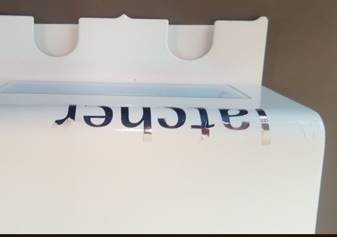
- Place the Silicon mat in the laminar hood (Fig4.) where the Matcher device is to be positioned, then place the device on top of the mat (Fig5.) the device should be forward of the mat so that all round dishes can be pushed up fully to the device.
- Call or Email Matcher support (+441829771327 matcher@imtinternational.com) will then remote access the PC and configure the cameras to the database and test, if you could place test dishes and tubes in front of the camera for the final configuration.
Fig1.
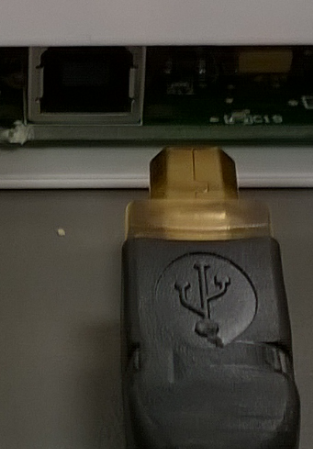
Fig2.
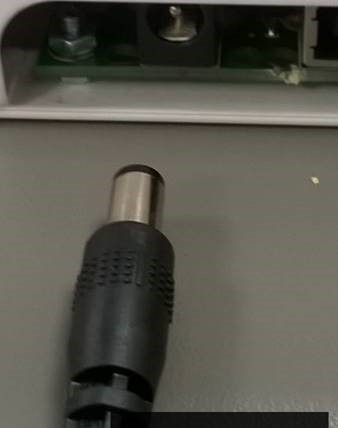
Fig3.
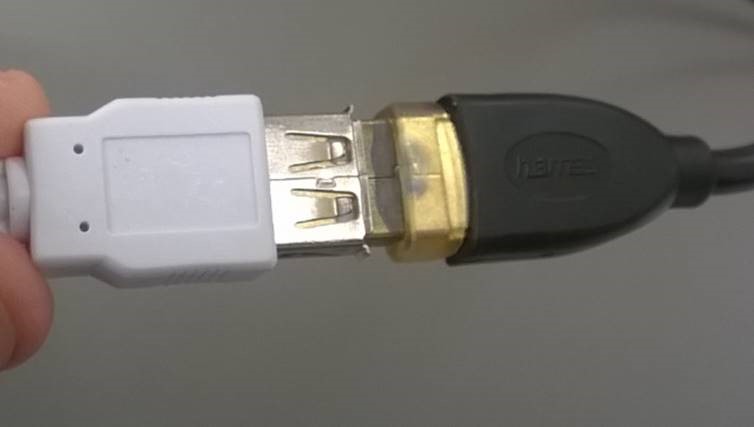
Fig4.
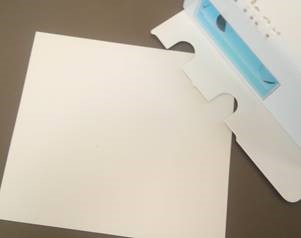
Fig5.
Comments
0 comments
Article is closed for comments.